DiskSorter Logo

Classifying Network Shares Using UNC Path Names

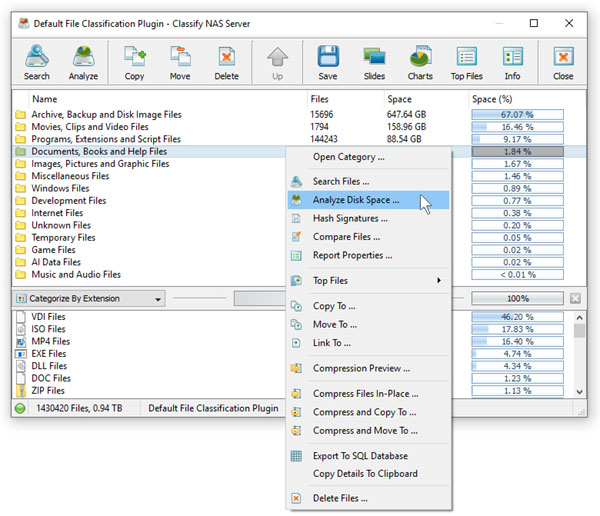
In order to simplify the file classification process for networked computers and/or NAS storage devices, DiskSorter allows one to specify directories that should be processed using UNC path names without mounting each network share as a local disk.

When working with UNC path names, it is important to keep in mind that all file management operations such as copy, move and delete will be performed using UNC path names and the user should have appropriate permissions on each specific network share and/or NAS storage device.

DiskSorter News

17-Nov-2026

DiskSorter v18.4 improves all types of file classification pie charts and bars charts allowing one to display the disk space usage and the number of files per file type, file extension, file attribute, user name, creation, last modification and last access dates, etc. In addition, the new product version improves the detailed PDF and HTML file classification reports, improves the DiskSorter command line utility and fixes a number of bugs.

1-Oct-2026

DiskSorter v18.3 adds the ability to load lists of directories to be classified from text files allowing one to automate the file classification operations. In addition, the new product version improves the conditional file classification actions allowing one to automatically generate file classification reports according to the user-specified conditions, improves the DiskSorter Server GUI application and fixes a number of bugs.

More News